Setting up rewards and spending points
Points are only motivating if there's something to spend them on. Rewards are yours to invent — screen time, a trip out, choosing dinner.
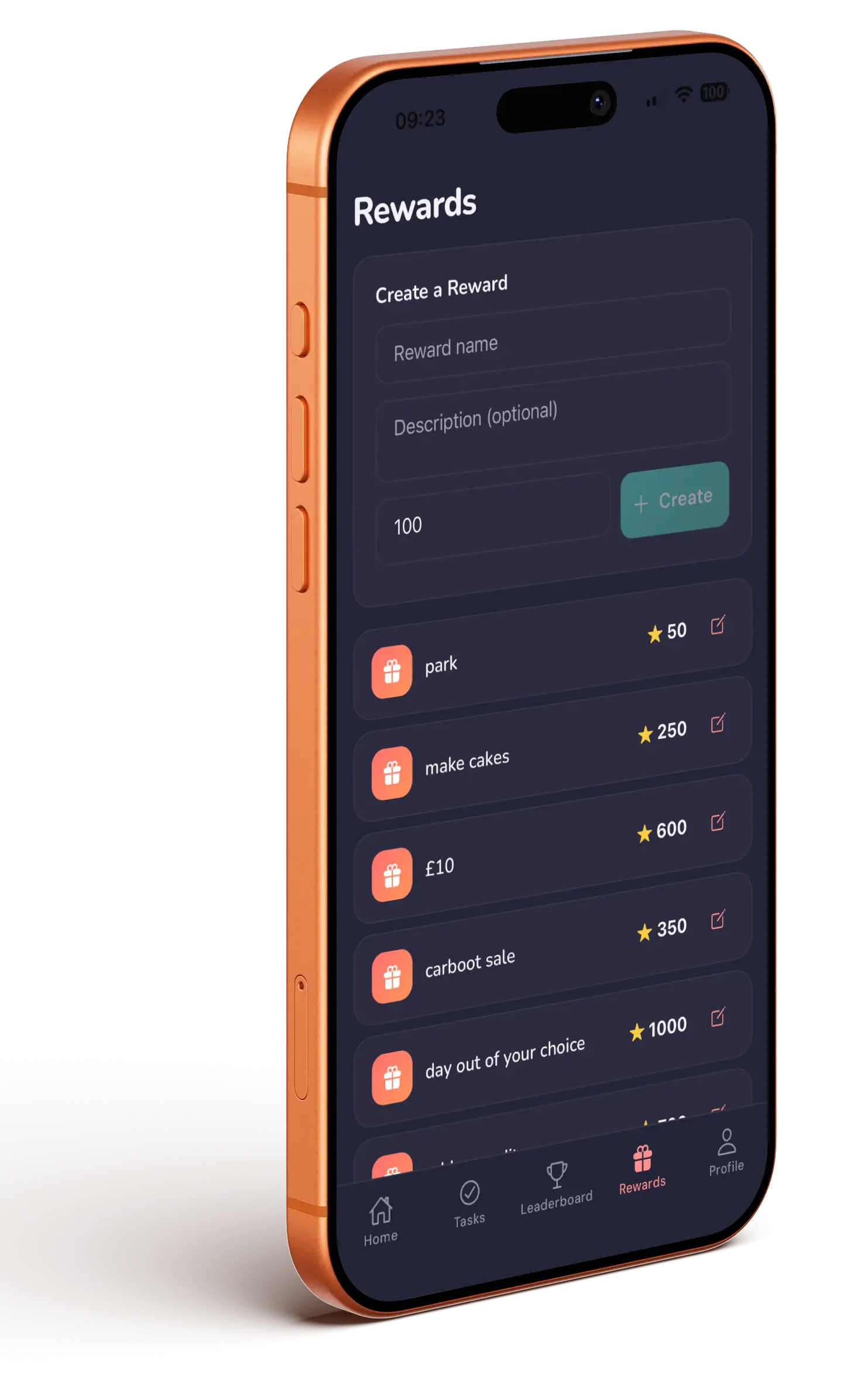
Creating a reward
- Go to the Rewards tab.
- Under Create a Reward, enter a name and an optional description.
- Set the points cost — it defaults to 100.
- Tap Create.
Tap the pencil on any reward to edit it, or swipe the row to delete it. The edit screen also has a visibility toggle, so you can hide a reward from kids while you're still deciding on it — read deleting a child, task or reward before you do either, as both are hard to undo.
Work out roughly how many points a good week earns, then price your headline reward just above it. If a child can afford everything by Tuesday the points stop meaning anything — and if nothing is reachable in under a month, they'll disengage.
How kids redeem
Kids see their balance at the top of the Rewards tab. Tapping a reward asks them to confirm, and makes clear a parent has to approve. They can't request something they can't afford, and they can only have one pending request per reward.
Approving a request
Requests appear under Pending redemption requests on your Rewards tab, with Approve and Reject.
Approving offers a date picker — pick the day they can have it, or leave blank to give it now. Scheduling is the useful bit: approve the cinema trip on Tuesday, set it for Saturday, and it shows up for both of you under Coming up. Points are spent either way.
Deducting points
Sometimes points need to come back off. From Family Members, open the child and tap the red Been naughty button. It shows their current balance and asks how many points to remove.
Points vs XP
Two separate currencies, and mixing them up is the most common confusion:
| Points | XP | |
|---|---|---|
| What it's for | Spending on your rewards | Levelling up and unlocking mini-games |
| Earned from | Approved quests, the Daily Quest, seasonal challenges, streak bonuses | All of the same, plus playing a mini-game |
| You control it | Yes — you set the values and can deduct | No — it's the game layer |
Playing mini-games earns XP only. A child can't grind games to buy a reward — the only route to points is doing real quests you approve. See levels and mini-games.
Streak bonus
Once a child hits a 5-day streak, every quest they complete pays a bonus on top. Streaks reset if a day goes by with nothing completed, and kids get a warning card before they lose one.