


Launching on iOS & Android in the coming weeks

Family tasks, finally fun.

Built by a step-dad in his spare time. Kids earn points they actually care about and end up competing against their mates' families on the leaderboard. Photo proof is there for the tasks that need it.

Launching very soon · One device or many, works either way
Taskadoodles family leaderboard
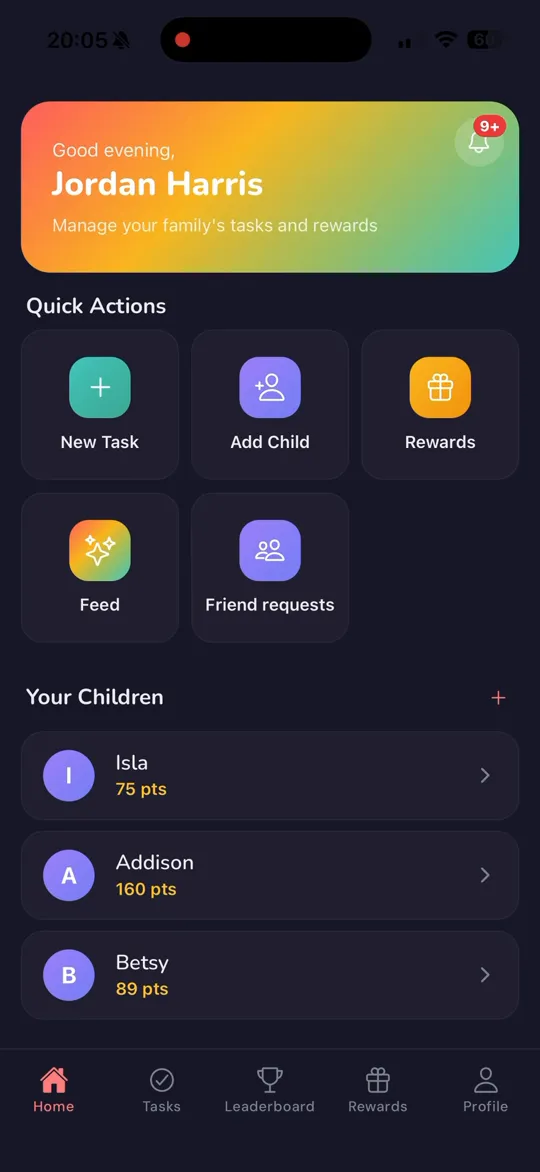
Taskadoodles parent dashboard
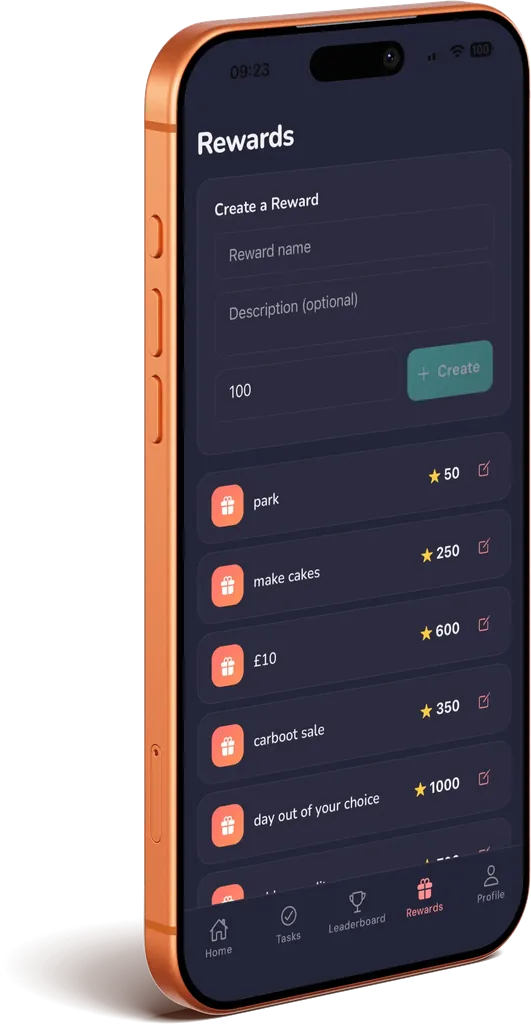
Taskadoodles rewards screen

Sound familiar?

🙄

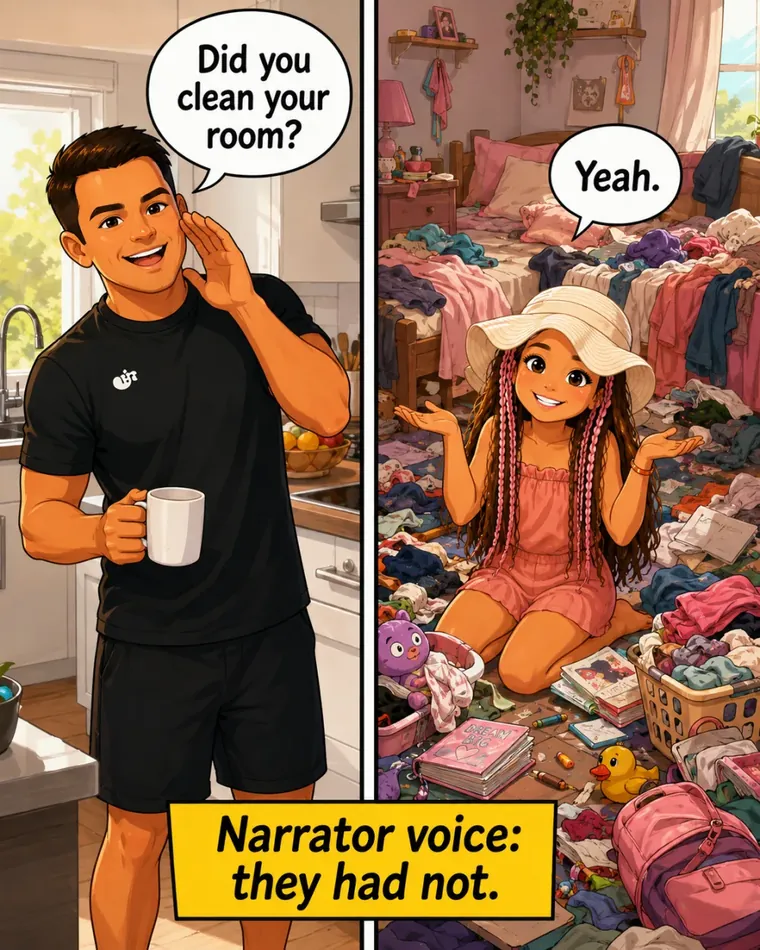
"Did you clean your room?" "Yeah." Narrator voice: they had not.

📋

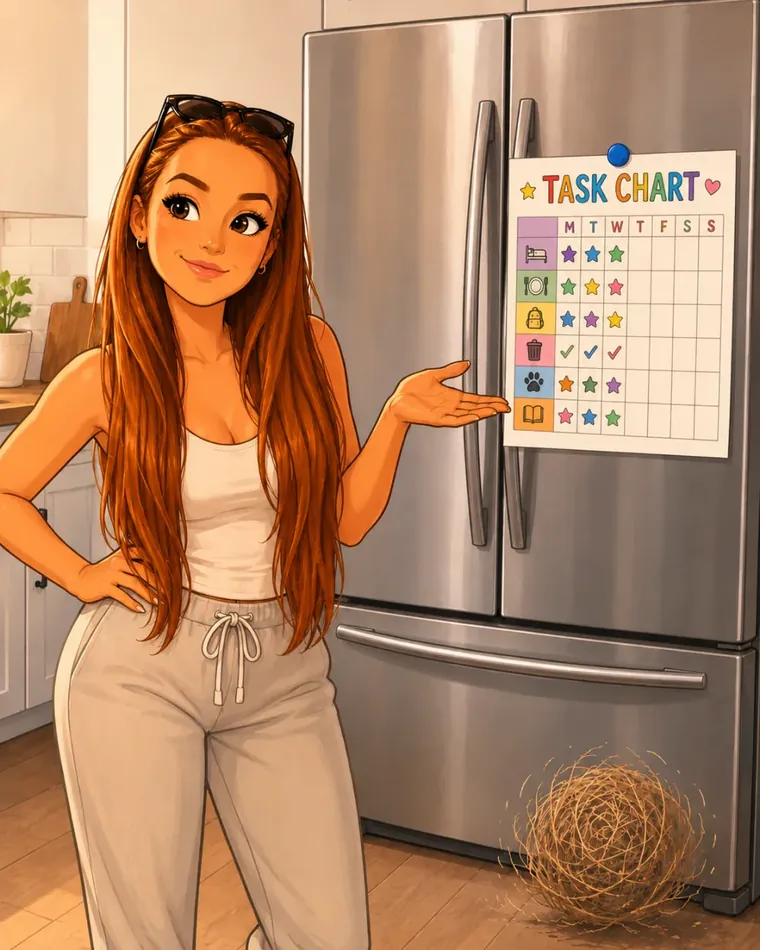
Task charts on the fridge that last 3 days, then become wall art.

😤

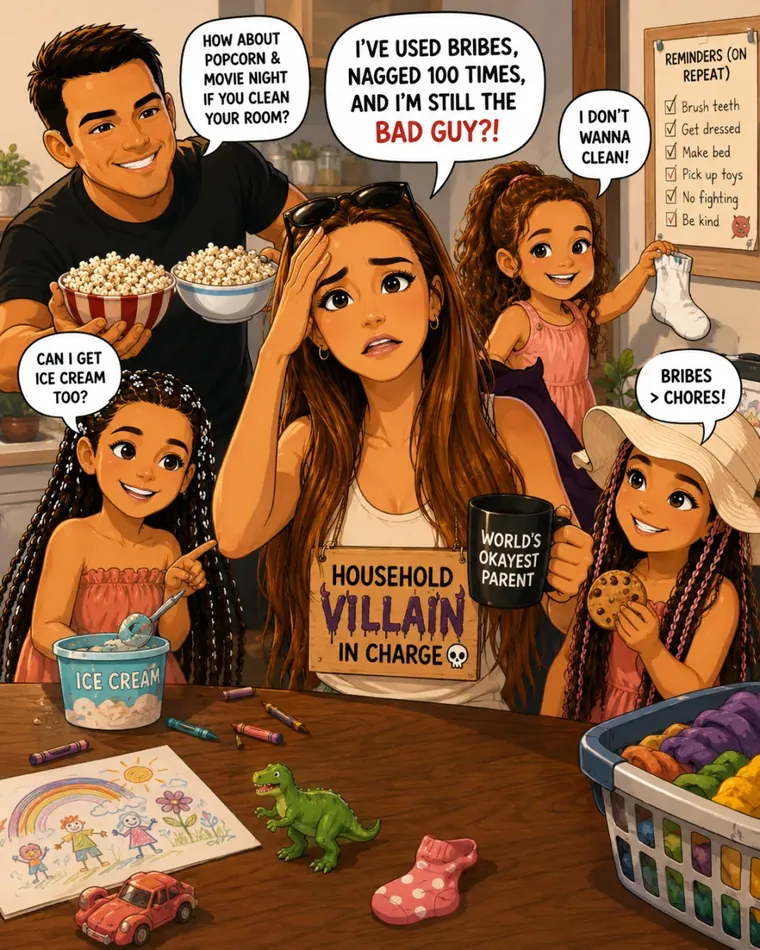
Bribing, nagging, and feeling like the household villain.

🤷

Two houses, two sets of rules, nobody on the same page.

Jordan with his family
From the founder

Hi, I'm Jordan. I'm a step-dad.

I wanted to build something that helps get stuff done around the house, but in a way that actually feels rewarding and fun for the kids along the way.

Me and my girlfriend Charlotte have a houseful of kids between us, and like a lot of families we kept getting stuck in the same loop. Ask. Remind. Nag. Eventually one of us just does it. The task gets done but nobody's happy about it, and the kids aren't really learning much from it either.

So I started messing around with an idea on evenings and weekends. A couple of months later that's turned into TaskAdoodles. Every feature in it has come from what actually works in our house. Photo proof so "yeah I did it" has to be backed up. Points the kids genuinely want. Streaks and small wins that make tidying a bedroom feel less like a slog. A bit of friendly competition with their mates' families to keep them going.

It's still early. I'm building it in my spare time around real life, and that's been the best way to figure out what's actually useful. If something doesn't work for our kids, it doesn't make it in.

It's built for single parents, two-parent households, co-parents across two homes, and blended families like ours. Whatever shape your family is, it fits around you instead of the other way round.

Setting it up

1

You install it on your phone

Download from the App Store (or join the Android Internal Testing group on Google Play), sign up with your email. That's the parent account.

2

Add each kid from your account

Tap "Invite child" in your account and pop in their name. The app gives you a QR code, plus a username and PIN as backup. You can manage everything from your one device — no need for the kids to have their own.

3

Got kids with their own phones? Even better

Pop the same app on their phone or tablet. They scan the QR code from your screen, or type in the username and PIN. They're in, and they get their own view of the tasks, points and rewards.

4

Add a co-parent if you want

Invite your partner, your ex, a grandparent — anyone helping run the household. They get the same parent view on their device, so you're both seeing the same tasks, the same points, the same rewards.

Here's how it actually works

1

You set tasks worth points

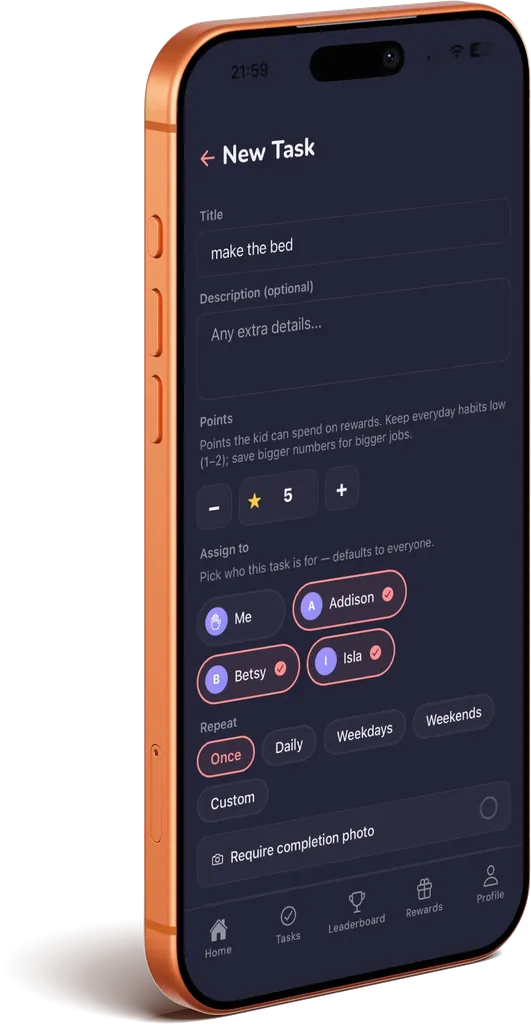
Make the bed, take the bins out, walk the dog. Whatever. Stick a points value on it, and tick the photo box if you want proof. Assign it to a kid, to yourself, to your co-parent — anyone in the family.

2

It gets done — and ticked off

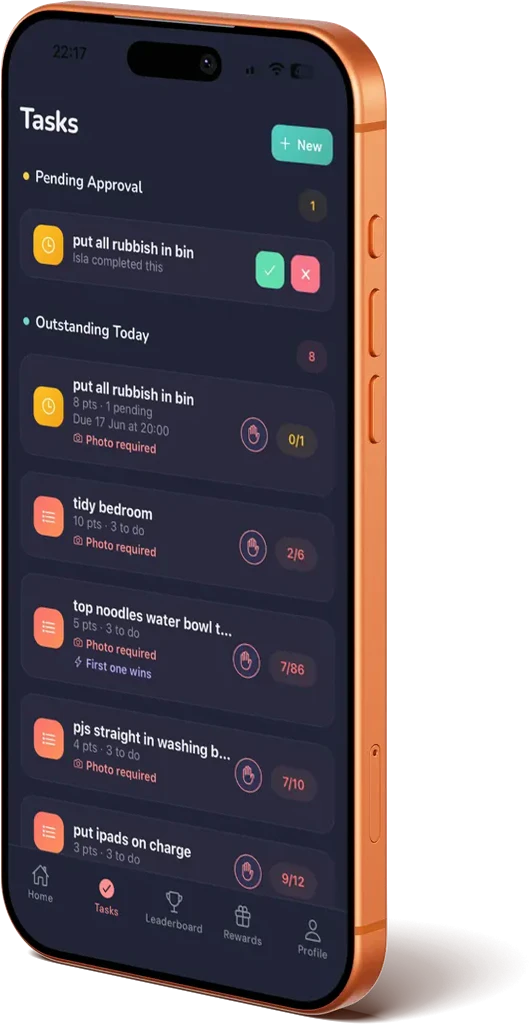
Kid marks it done from their phone, or you tap it off on yours. If you've asked for a photo, one gets snapped. The right people get the notification, take a look, approve or reject.

3

Points become real rewards

Screen time, takeaway pick, a tenner. You set what points are worth, they unlock it by actually doing the stuff.

Then families compete

Add a mate's family. Their kids vs. yours on a weekly leaderboard. Turns out kids will do a lot of tasks when their mate from school is ahead of them.

What you get

📸

Photo proof

No more "I swear I did it." Tick the photo box on the tasks you actually want backed up.

🏆

Cross-family leaderboards

Add your friends' families and watch your kids actually compete to do tasks. As far as we know, nothing else does this.

🎁

Rewards you control

You decide what points are worth. Screen time, treats, a trip to the shops, whatever your kid actually cares about.

👫

Built for co-parents

Invite your partner or co-parent so you're both seeing the same thing. One house or two.

📱

Run it from one device

Kids don't all need their own phone. You can run the whole family from yours and tick tasks off as they get done.

👨‍👩‍👧

Parents have tasks too

Assign tasks to yourself or your co-parent — not just the kids. Bins, MOT, school run. Everyone in the family pulls their weight.

🔔

Push notifications

Kids get a ping when there's a new task. You get one when they say it's done. Nothing slips.

🔥

Streaks & levels

Kids build streaks, level up their avatars, unlock mini-games. The fun stuff that keeps them opening the app.

What parents are saying

Real feedback from families using Taskadoodles right now.

T
Toni-Marie
★★★★★

"We've used it today and I literally already love it! There was a little bug in there, I messaged Charl and it was fixed and ready to go in 10 min. So far 10/10 recommend, Hydie has ACTUALLY done FOUR WHOLE CHORES today! Madness."

Facebook
L
Lauren O'Donnell
★★★★★

"Love this Taskadoodles app — it's a really good way of getting the kids to listen and do what I ask. Now they're seeing who can get to the first 300 points for £10!"

Parent
C
Claire's Sparkling Touches
★★★★★

"Absolutely love it. If you have trouble getting your children to do chores, or your partner to help around the house, give Taskadoodles a try. Why not give it a go?"

Parent & reviewer
A parent Beta tester

"Best thing I've seen on FB for ages 😂😂 thank you, I'll do it now!"

Facebook DM
A parent Beta tester

"Ahhhh I love it, how mint! Just getting the kids to sign up now."

Be first to know when we launch

Public launch on the App Store and Google Play is coming up in the next few weeks. Pop your email in and I'll send you a one-tap download link the moment it lands, before anyone else hears about it.

No spam. One email when we launch, plus the occasional update. Unsubscribe in a tap.

Questions people actually ask

When is it launching?

In the next few weeks. We've finished testing and we're putting the final touches together for the App Store and Google Play launch. Sign up to the waitlist and you'll get a one-tap download link the moment it goes live, before the public announcement.

Is it on Android too?

Yes, full Android support. Both the iOS and Android versions launch together. Join the waitlist and you'll get a link to whichever store fits your phone.

How much does it cost?

Free while we're in testing. Once it's out of testing, it'll be £4.99 a month or £39.99 a year (which saves you about a third), with a 7-day free trial on every account and no card up front.

Do my kids need their own phones?

Nope. You can run the whole family from your device — add each kid, set their tasks, and tick things off as they get done. If they do have their own phone or tablet, even better: pop the app on it and they get their own view of tasks, points and rewards. Mix and match works too — some kids on their own device, some on yours.

Can parents have tasks too?

Yes. You can assign tasks to yourself, to your co-parent, or to any adult in the family — not just the kids. Bins night, MOT, school run, whatever needs doing. Everyone pulls their weight and the kids get to see it.

Who is this actually for?

Parents with kids roughly 5 to 17. Single parents, couples, step-parents, co-parents, grandparents raising grandkids. It works for whatever your setup is.

How do kids add a friend?

Friends are added kid-to-kid from the Friends tab on the kid's device. One of them taps "Create Invitation" and the app generates an 8-character code (and a QR code) that lasts an hour. They send it to their mate, who either scans the QR or types the code in. The kid who started it gets a pending request to accept, and once they do, both kids are connected and their families show up on the leaderboard. Parents can see who their kid is friends with at any time.

Is my kids' data safe?

Yes. Everything stays inside your family. Nobody outside your household can see or contact your kids, unless you opt into the friend-family leaderboard, and even then it's just first names and point totals. No messaging. Full privacy policy here.