Leaderboards, friends and family duels
Competing against a sibling works. Competing against their mate's family works better — it's the bit of TaskAdoodles that other chore apps don't have.
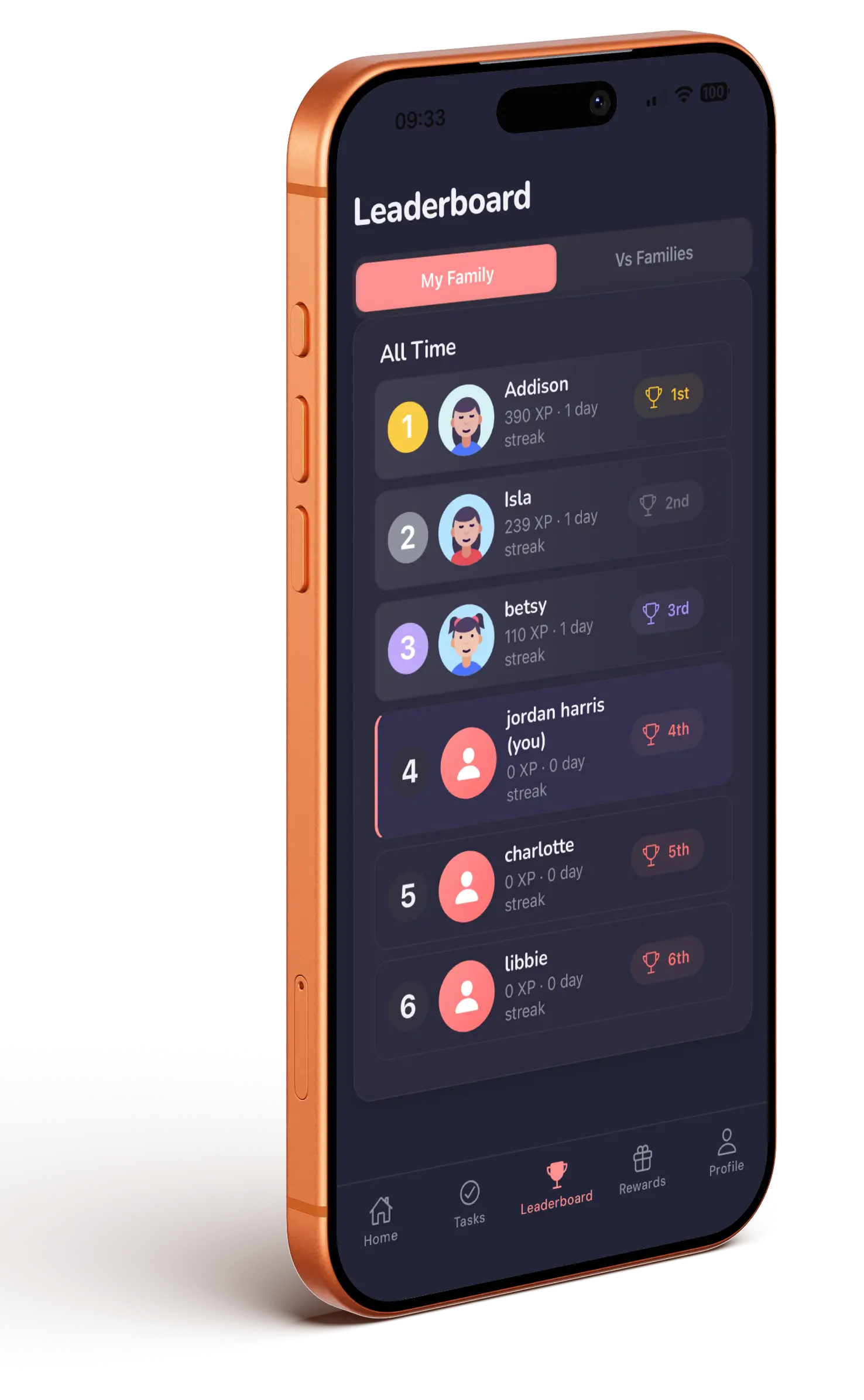
The three leaderboards
Open the Leaderboard tab. Kids see three views, parents see two:
- Friends — your child and their accepted friends, ranked by XP. Kids only.
- My Family — the kids in your family, head to head.
- Vs Families — the top 10 families overall, plus where your family sits.
Rows show level, title, XP, current streak and how much they've gained this week — so a kid who started late can still win the week.
The family leaderboard is thin with one kid — they'll see a note about flying solo. Point them at Friends and Vs Families instead, which is where single-child households get the competitive pull.
Adding friends
From their profile, kids tap Invite a Friend to share an invite, or Friends to manage requests. Friends have to be accepted on both sides before anyone appears on a leaderboard.
Duels and challenges
From the Friends leaderboard, kids can tap Challenge next to a friend to start a head-to-head. The Challenges screen shows challenges waiting for them, ones waiting on a reply, and recent results.
Parents get the family-level version — Family duels — pitting your household against another.
Keeping your child off the feed
If you'd rather your child wasn't visible to friends, go to Settings → Show me on the feed and turn it off. Friends will no longer see their completed tasks, badges and duel wins.